Two lenses that fit
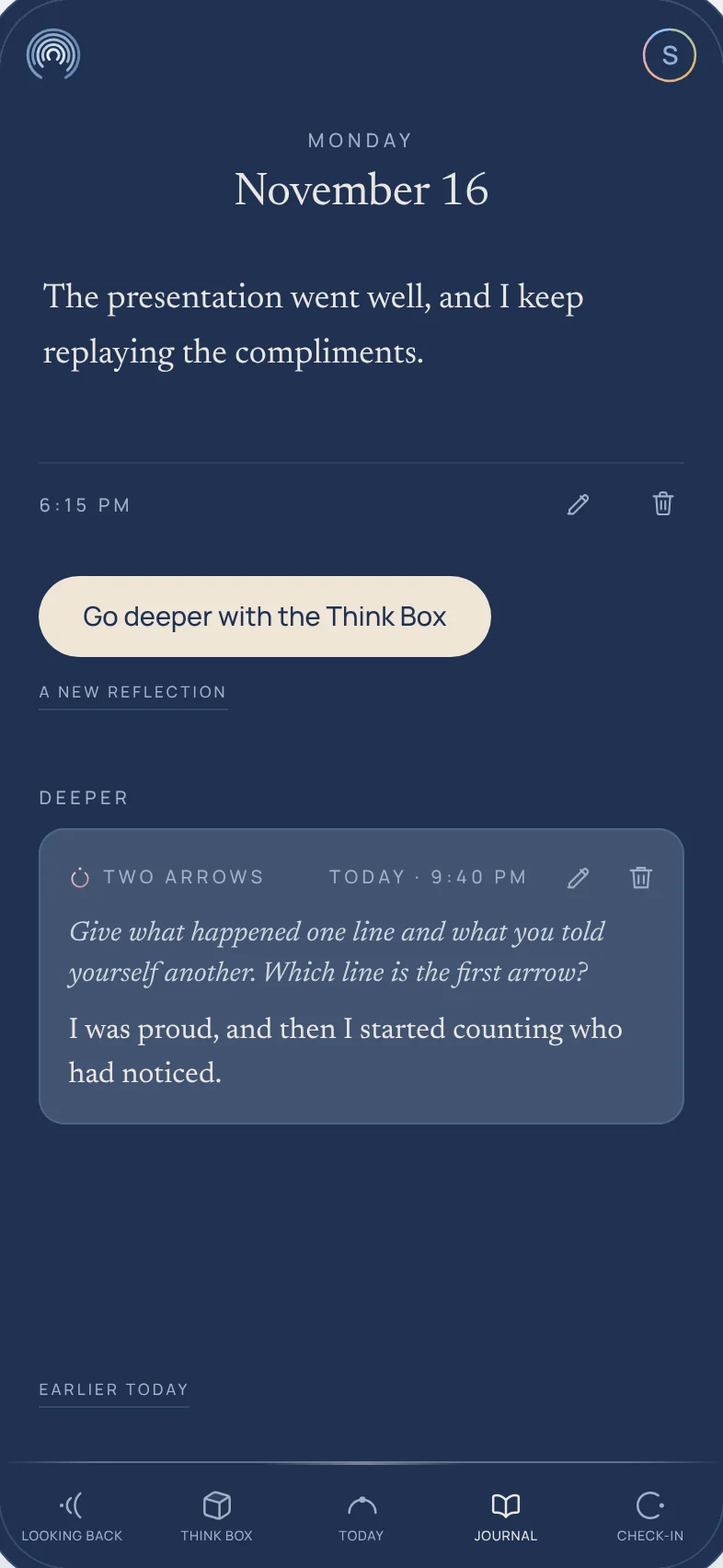
Words like “replaying” or “put it off” point to a lens. The box offers the two that fit best, from two pillars, and every other lens is one tap away.
Write what happened, learn what it is teaching you, and leave it in the past.
How it works
Start wherever the day left you.
A sentence is enough. Start from a question if you want one, or say it out loud and let it be written down.
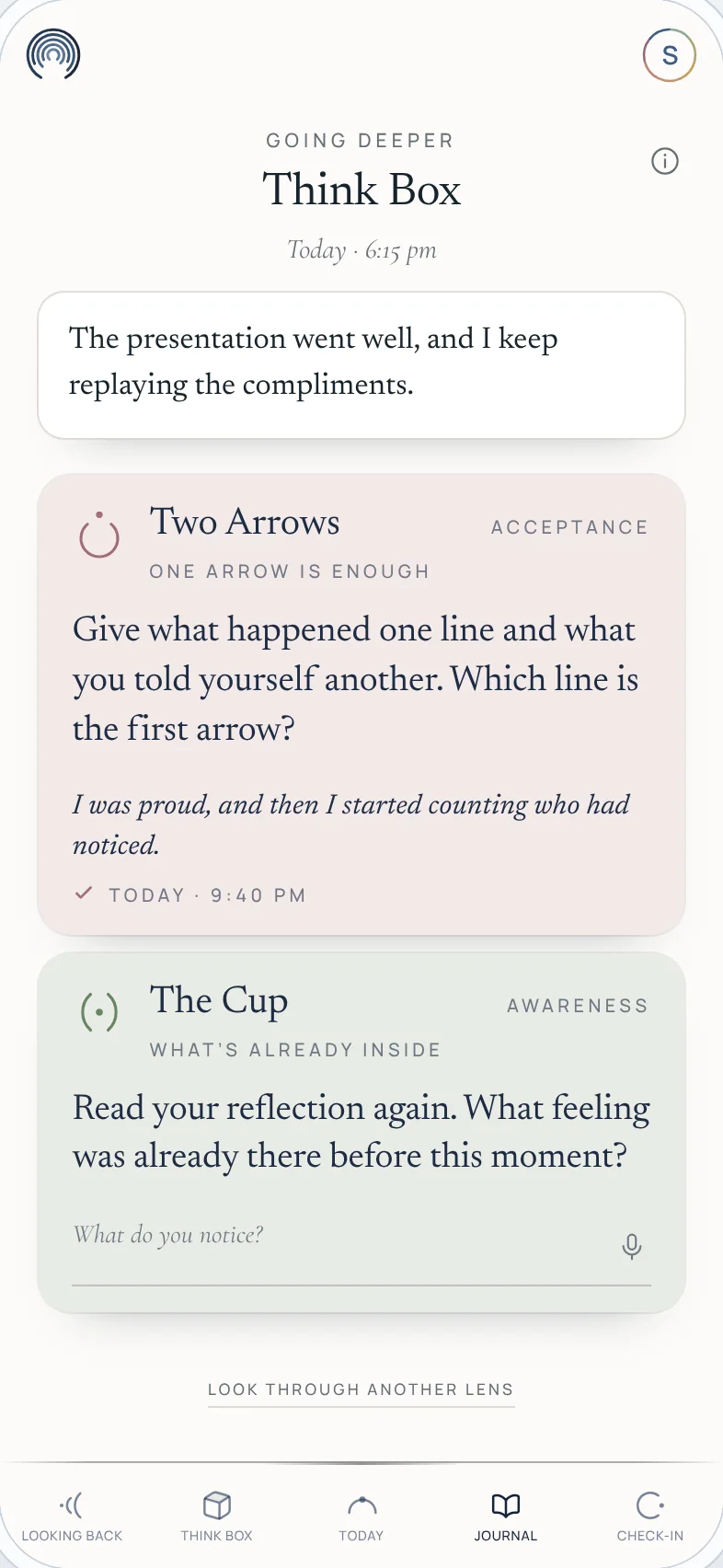
The Think Box offers the two lenses that fit what you wrote. Each one asks a single question.
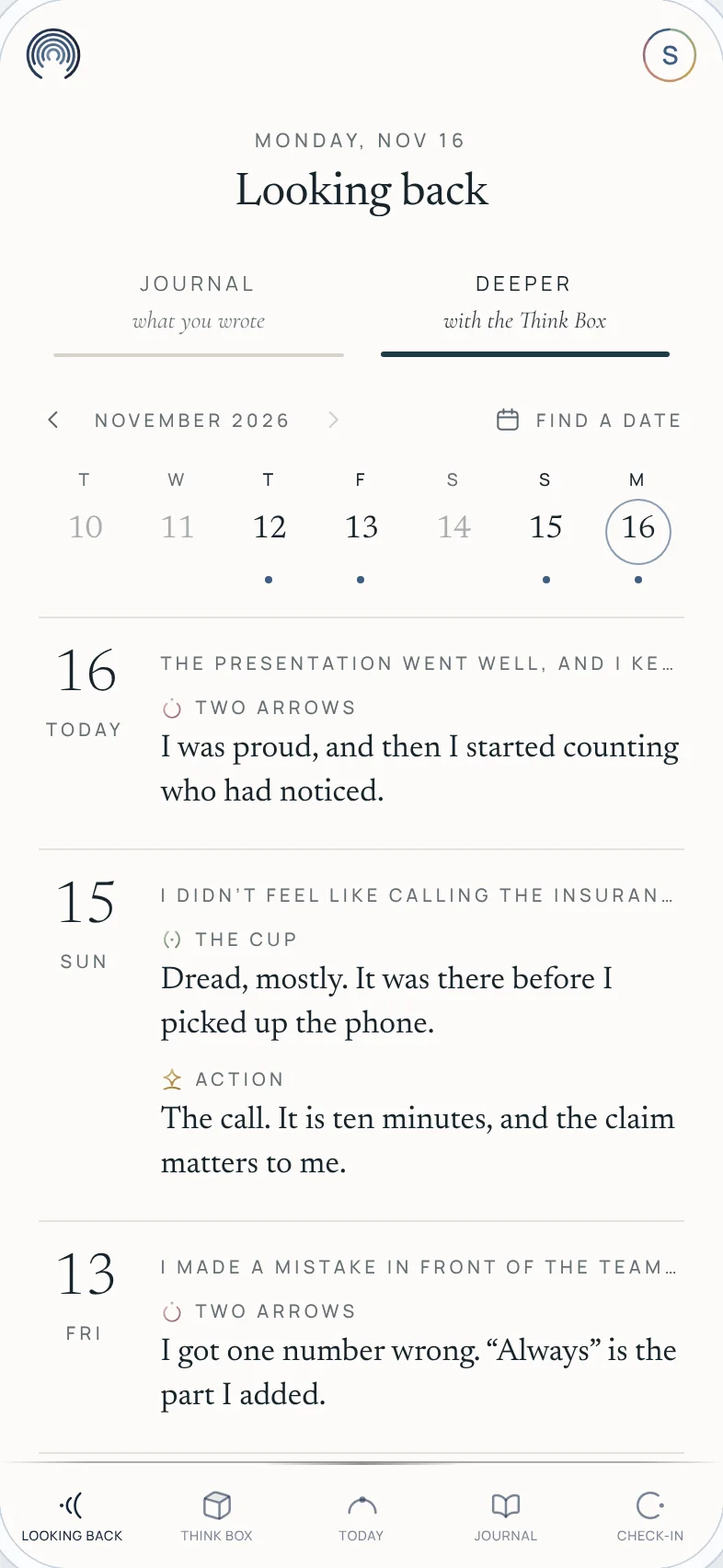
What you answer stays with the reflection. Come back to it in Looking back whenever you want.
Your day
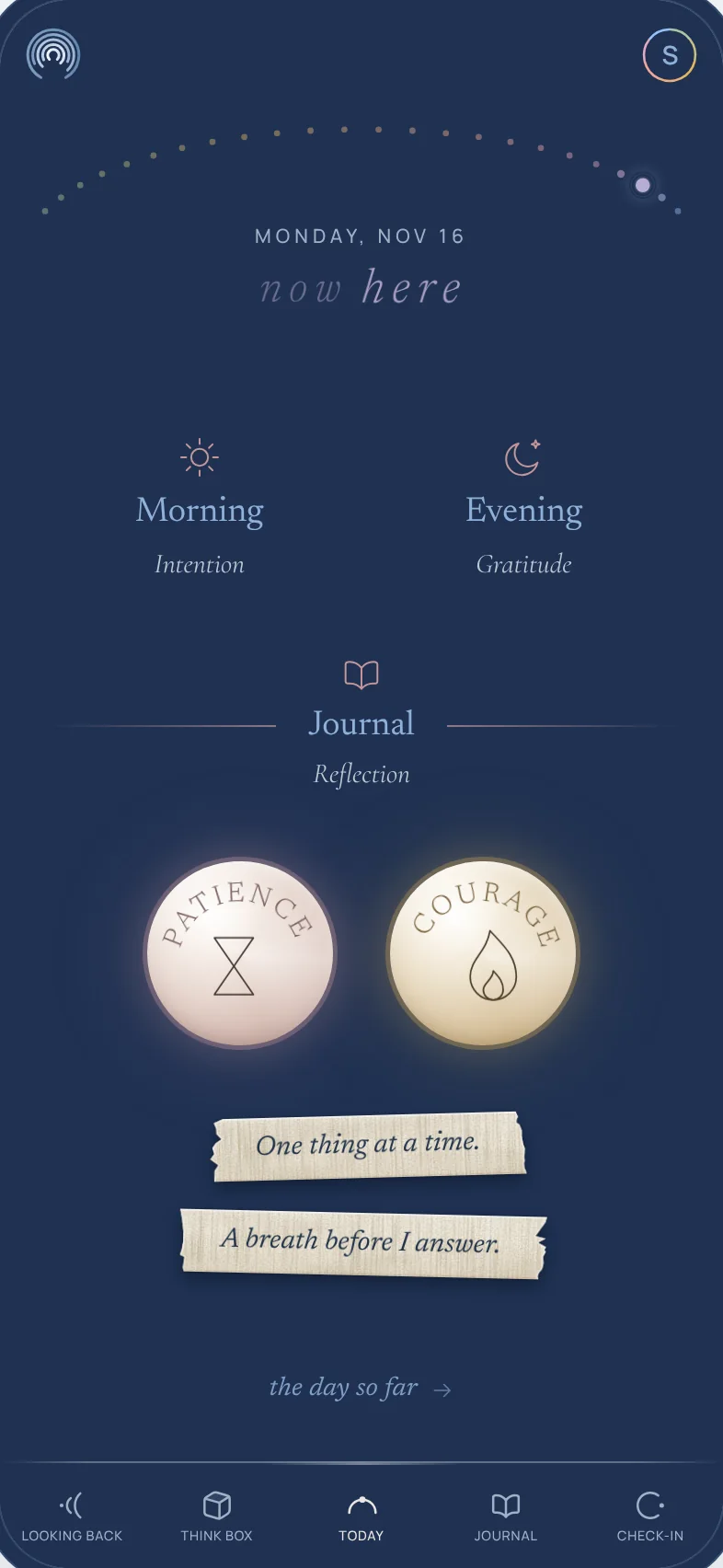
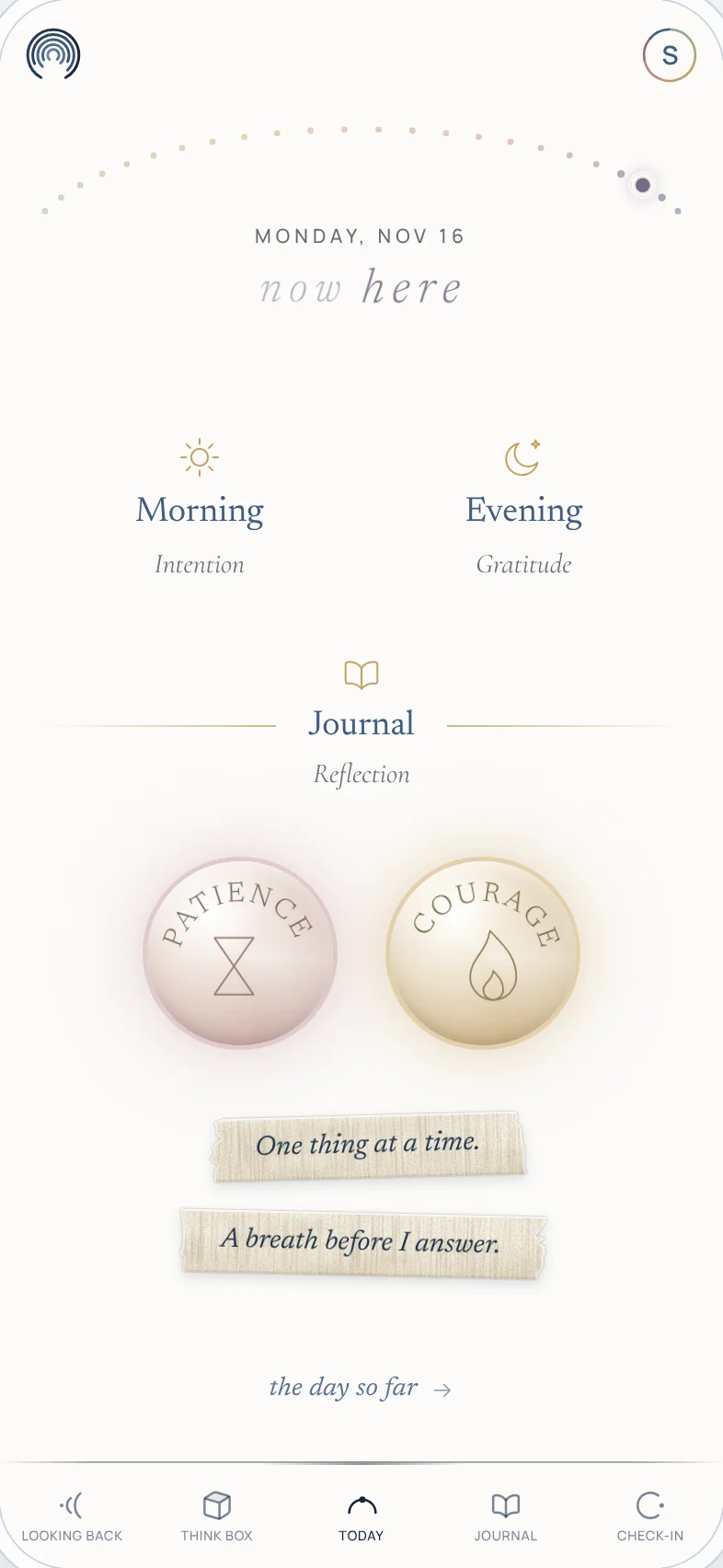
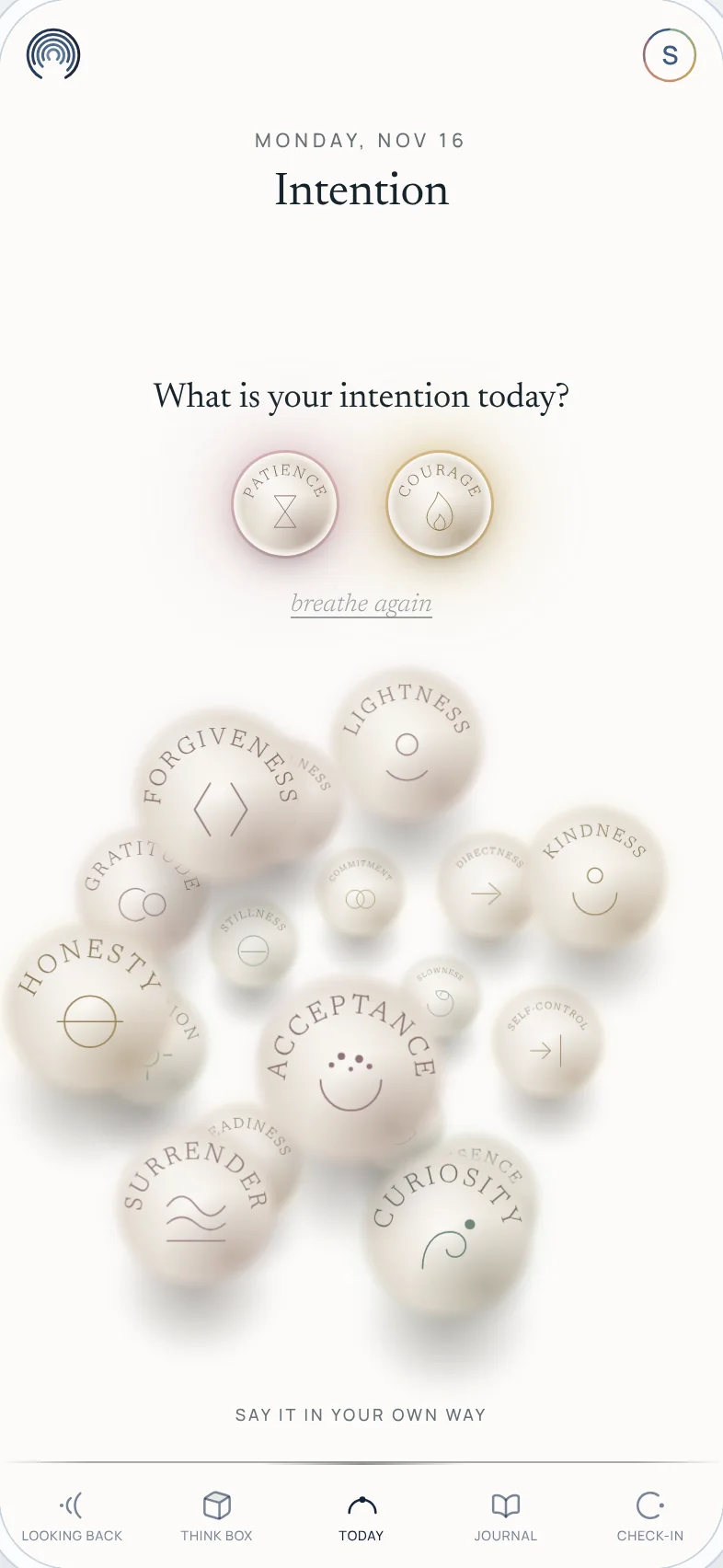
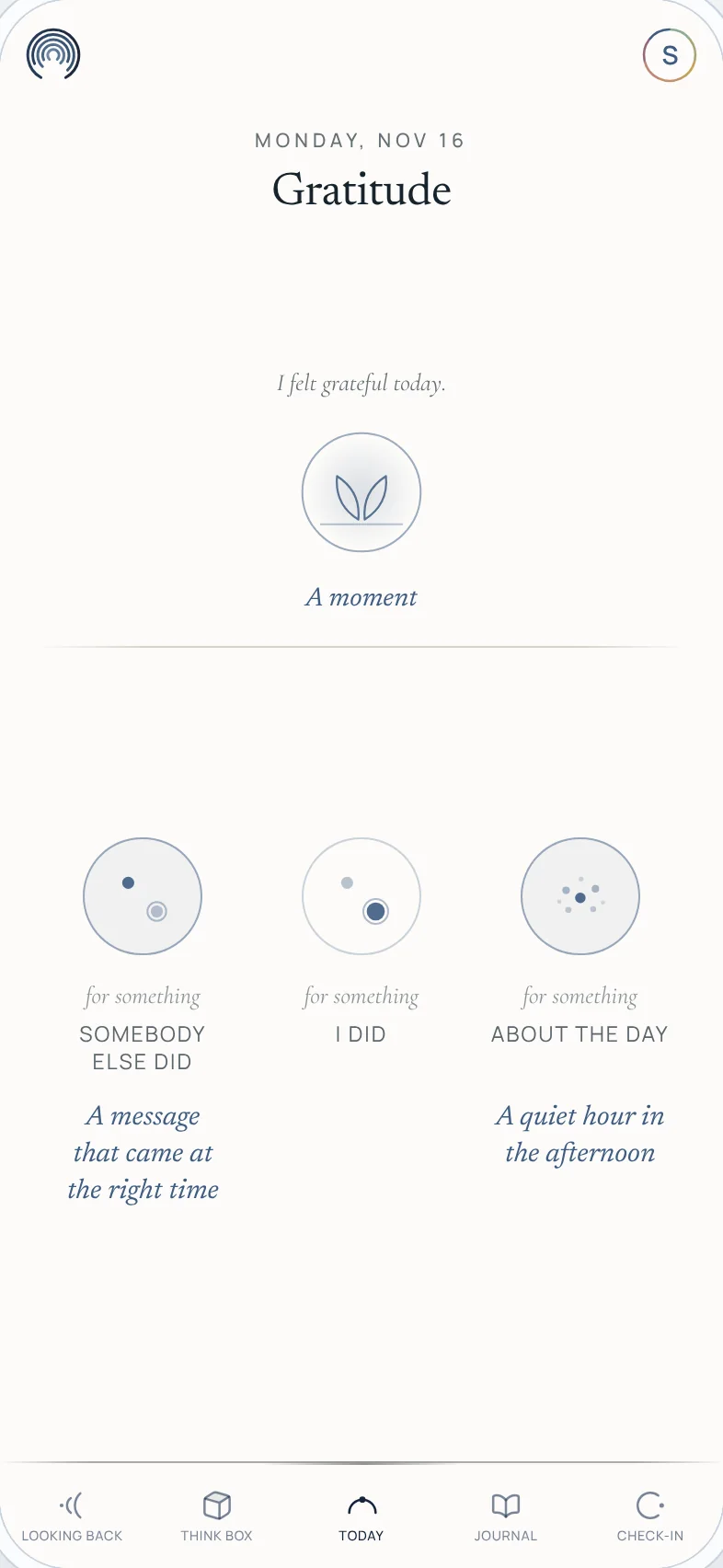
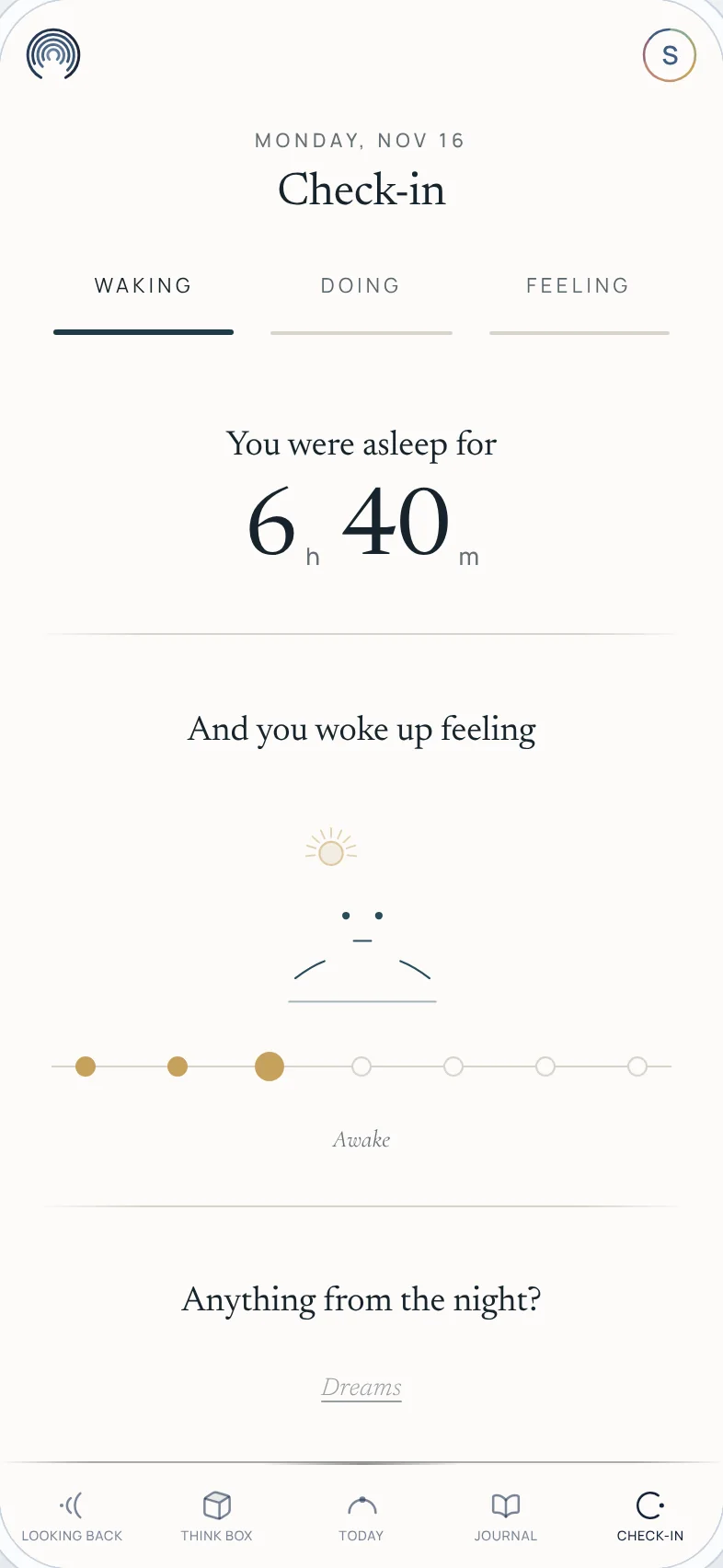
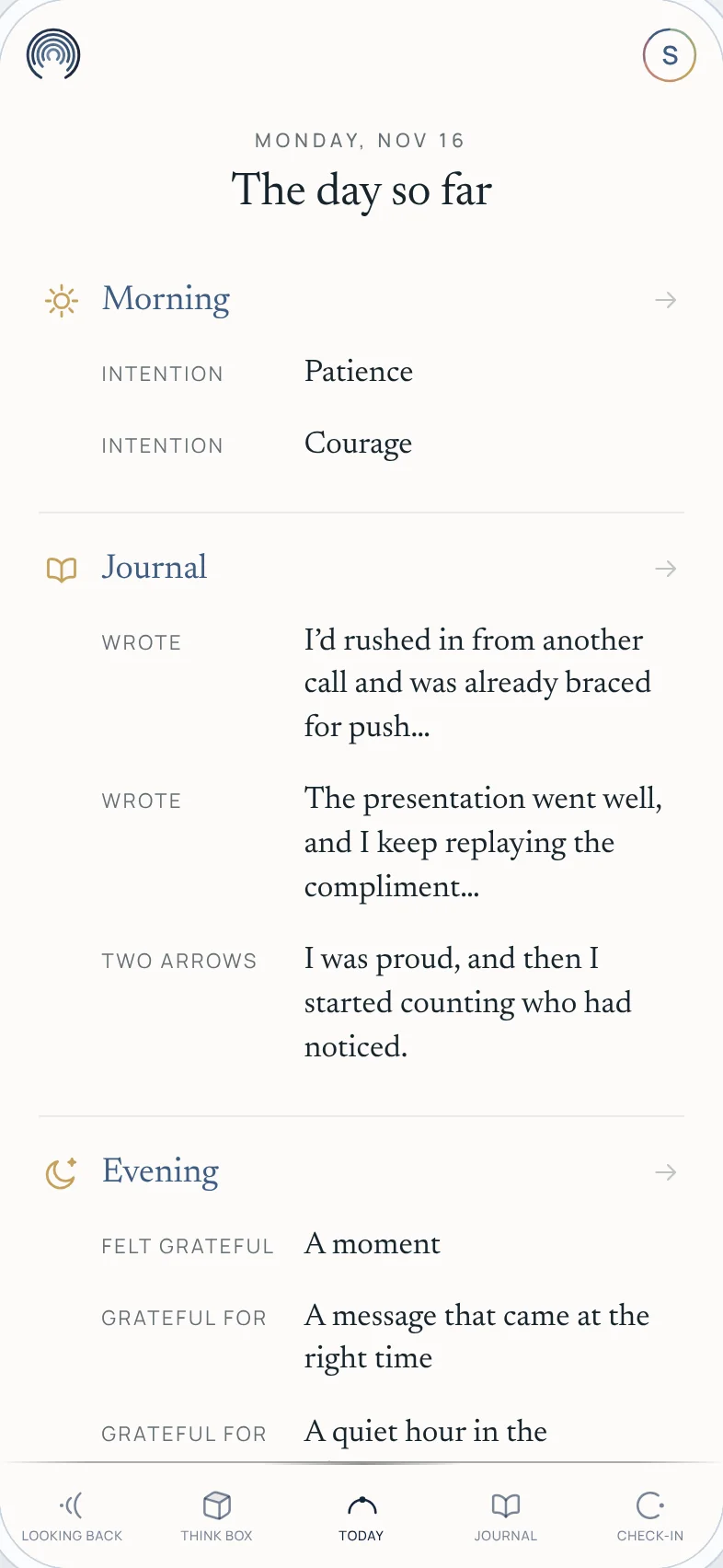
Today holds your intention, your reflections and your gratitude, with a note to keep in sight.
The Think Box
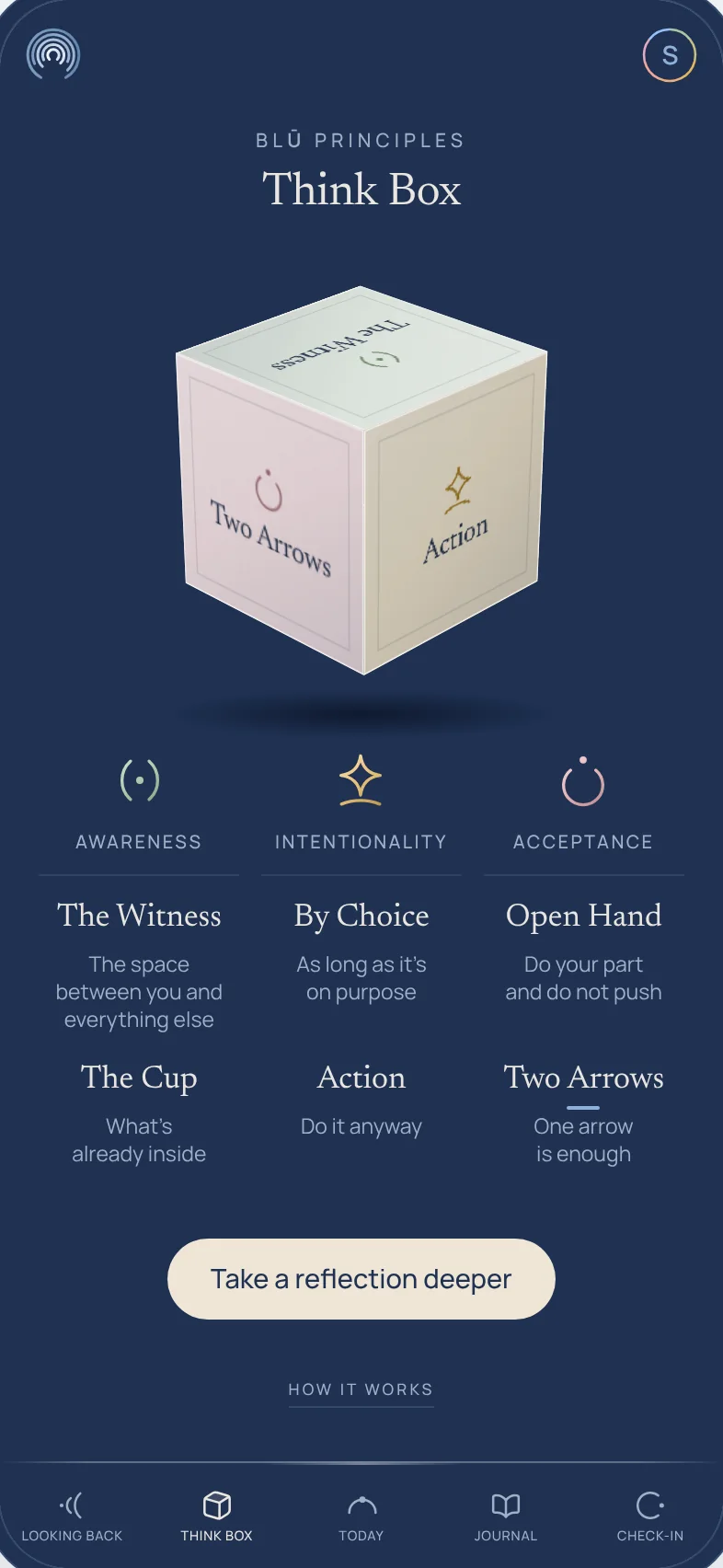
Six lenses, two for each pillar: Awareness, Intentionality and Acceptance. Tap one to see what it asks.
Awareness
Intentionality
Acceptance
The Witness asks
If you step back from this, in time or in space, what do you see?
Take a reflection deeperGoing deeper
The Think Box reads a reflection only when you ask it to. It offers the two lenses that fit, asks one question at a time, and keeps your answers with the reflection, locked like everything else.
Words like “replaying” or “put it off” point to a lens. The box offers the two that fit best, from two pillars, and every other lens is one tap away.
Each lens asks a single question. If it does not speak to you, ask for another.
The box can say back how you slept, your intention, or the things you meant to do. It draws on what you logged, never on your reflection.
What you answer is saved under the reflection, with the question it answered and the time you answered it.
The small things
A few things that make it easy to come back, a minute at a time.
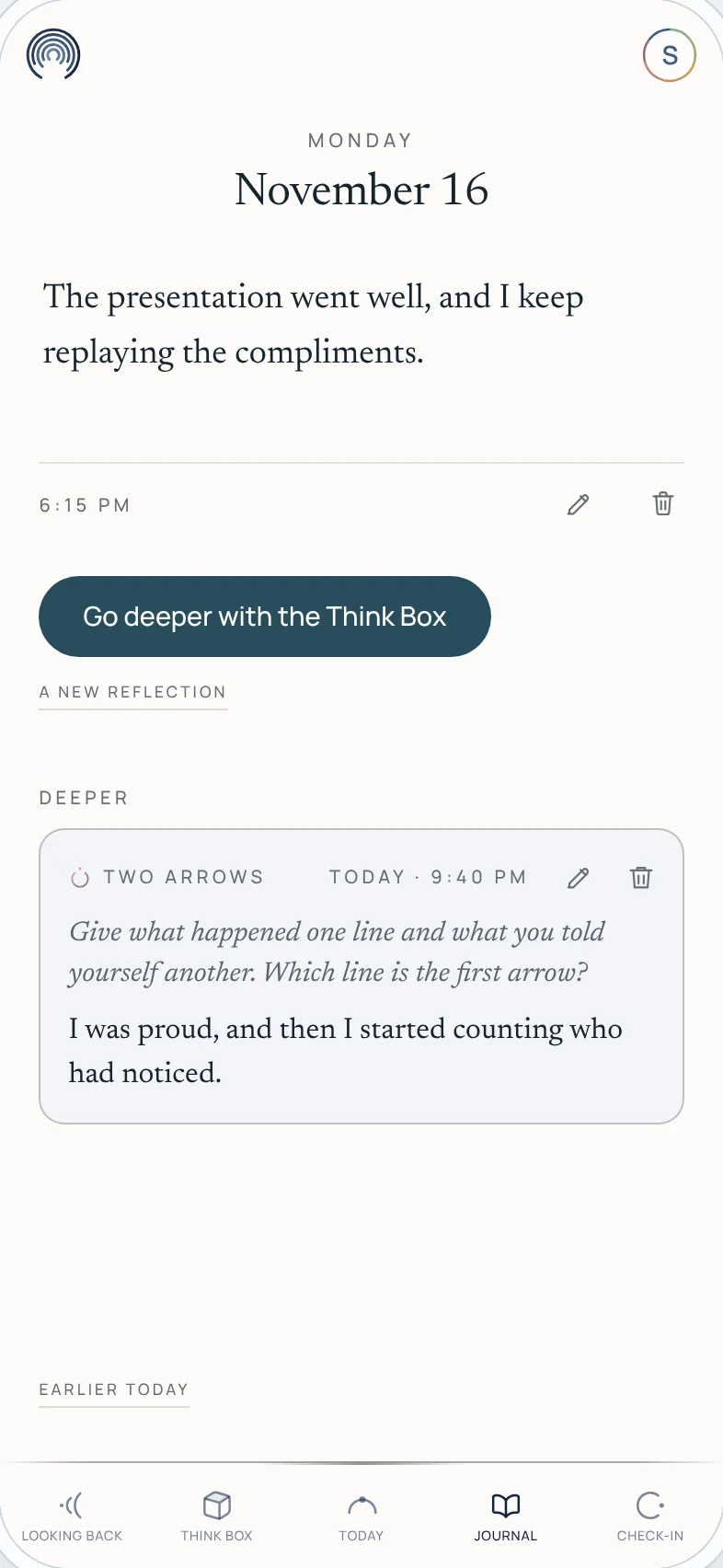
Light for the day and navy for the evening. The Journal follows your phone, or the one you choose.
Every place you write has a microphone. Speak, and your words are written down.
Keep up to two short lines in sight on Today, on a strip of paper tape.
Some things stay with us long after they happen.
It can help to write down one detail while it’s still close. A question can give you somewhere to start. Later, it can bring you back to something you missed the first time.
Your words
Everything you write is locked on your phone or computer before it is saved. Only your devices hold the key, so nobody else can read it, including us.
The Think Box’s AI is off until you turn it on. Then it reads only the reflection you hand it, and nothing you send is used to train AI.
Delete a reflection, an answer, or everything you have written, whenever you want, and take a copy with you.
The Journal receives your name, email address and profile picture, and nothing from Drive, Calendar, Contacts or Gmail.
Keep your recovery key safe. If your devices and your recovery key are both lost, nobody can open your journal, including us.
Get started
It runs in your browser, on your phone or your computer. On a phone, add it to your home screen and it opens like an app.
Journal by Blū is in a private pilot. For now it is open to invited accounts.
Questions
It opens in your browser, on a phone or a computer. On a phone you can add it to your home screen, and it opens like an app.
No. The intention, the gratitude and the check-in are all there if they help. One reflection is enough.
No. Write as much or as little as you like. The Think Box is there when you want to look at a reflection more closely.
Awareness, Intentionality and Acceptance each hold two lenses that look at a day from opposite sides: The Witness and The Cup, By Choice and Action, Open Hand and Two Arrows.
No. The Journal is a place to notice, and nothing in it is a diagnosis or a treatment. If you are struggling, please reach out to someone you trust or to a professional. In the US you can call or text 988 at any time.
No. Your words are locked on your device before they are saved, with a key that only your devices hold. Our servers keep the locked version, which nobody can open: not us, and not the companies that host the Journal.
When you first sign in, the Journal makes a key on your device, and you open it with Face ID, Touch ID or your device’s code, through a passkey. Everything you write is locked with that key before it leaves your device, and opened again only on a device that holds it.
Sign in with Google. If your passkey is synced through iCloud Keychain or Google Password Manager, Face ID or Touch ID opens your journal. If it is not, your recovery key does.
A long code the Journal shows you once, when it makes your key. Keep it in a password manager, or written down somewhere safe. It opens your journal if your devices are lost.
Then your journal cannot be opened again, by you or by us. We can delete your account so you can start fresh. A lock that only you hold works this way.
Your account comes from your Google sign-in, so we know your name and email address. What you write belongs to your account and stays locked, so we cannot read it.
Your name, email address and profile picture from Google, and the dates and times you kept something. Nothing you write or pick.
In a database run by Supabase, with the app served by Vercel and sign-in by Google. All three hold only the locked version of what you write.
Yes. From You, delete a single reflection, everything you have written, or your whole account. Backups that held locked copies expire within thirty days.
Yes. Export everything from You. The file is made on your device, so your words never pass through us unlocked.
No. The Journal loads no analytics, advertising or third-party scripts, and it never sells or shares what you keep.
Your device turns your voice into text, on the device or through Apple’s or Google’s speech service, depending on your device. The Journal receives only the text, and locks it.
Only if you ask. The AI is off until you turn it on. Even then, it reads only the reflection you hand it, at the moment you tap Ask the Think Box.
Your device opens that one reflection and sends it, over an encrypted connection, through our server to the AI. Our server passes it along and keeps no copy and no log. The answer comes back to your device and is locked before it is saved.
Claude, made by Anthropic. Anthropic does not use what you send to train its models, and deletes it within 30 days, unless its safety systems flag it, as its policy explains.
No. Not by us, and not by Anthropic.
No. It receives the words of that one reflection and nothing that names you. If your reflection names other people, their names go with it.
Each time it reads, it is given the six lenses in Selin’s own words and a short set of instructions on how to ask. It is not trained on anyone’s reflections.
No. It reads through the six lenses and asks questions. It does not diagnose, prescribe, or tell you what you should do.
Yes, at any time, in You. With the AI off, the Think Box still works: it goes by the words you used, on your device, and nothing is sent.
Write it down, look at it through a lens, and leave it in the past.